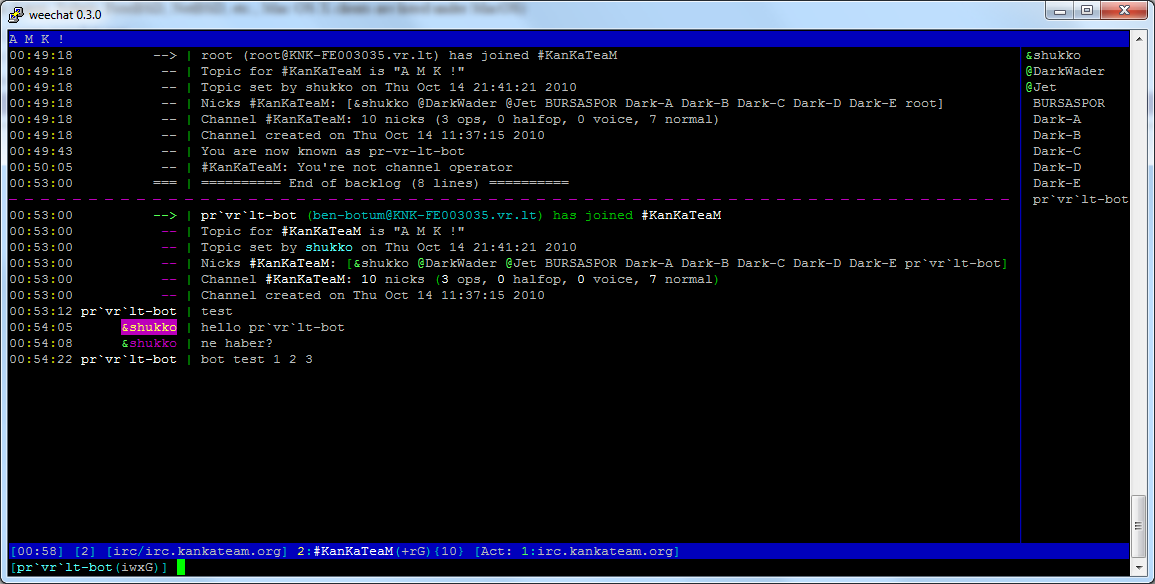
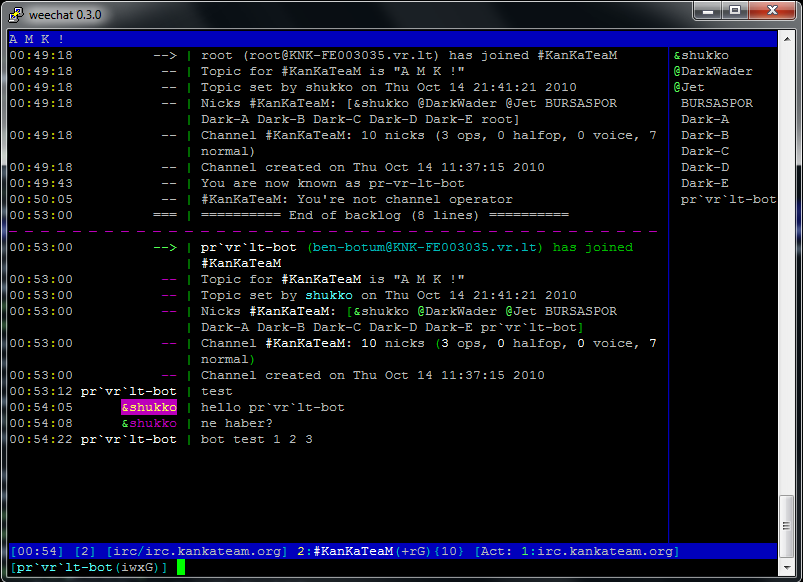
apt-get install weechat
pek cok bilgisayar var bunlarin hepsi bilgileri sayiyor linux rdesktop remote desktop mstsc windows uzaktan erisim
pek cok bilgisayar var bunlarin hepsi bilgileri sayiyor linux rdesktop remote desktop mstsc windows uzaktan erisim 🙂 tag bunlar.. ok.
Konu su
bilgisayarlarimin bazilarinda masa ustu olarak linux kullaniyorum.
ubuntu, fedora , centos aklima ne gelirse
en son zenwalk kullaniyorum. Cok guzel cok hizli ancak RDP baglantilarimin performansindan hic memnun olamadim
bugun biraz arastirma yaparken rdesktop ile bir kac switch kullanarak performansimi yukseltebildim.
daha sonra icin referans olmasi icin yaziyim burayada:
dagitim zenwalk
desktop: xfce
rdp client: rdesktop (xfce icinden cikan)
switchleri: shukko[~]$ rdesktop -z -x m win.dows.mak.ina -g 1280×800
aciklamasi: -z : compression aciyor
-x baglanti cinsini belirliyor: -x l = lan , -x m = modem , -x b = broadband
-g masaustu cozunurluk.
su an performansimdan memnunum 🙂
ek: birde screen colour depth varmis
-a colour depth
son olarak komutum bu olsun:
shukko[~]$ rdesktop -z -x m win.pc -g 1280×800 -a 16
SSH login without password
Your aim
You want to use Linux and OpenSSH to automize your tasks. Therefore you need an automatic login from host A / user a to Host B / user b. You don’t want to enter any passwords, because you want to call ssh from a within a shell script.
How to do it
First log in on A as user a and generate a pair of authentication keys. Do not enter a passphrase:
A note from one of our readers: Depending on your version of SSH you might also have to do the following changes:
* Put the public key in .ssh/authorized_keys2
* Change the permissions of .ssh to 700
* Change the permissions of .ssh/authorized_keys2 to 640a@A:~> ssh-keygen -t rsa
Generating public/private rsa key pair.
Enter file in which to save the key (/home/a/.ssh/id_rsa):
Created directory '/home/a/.ssh'.
Enter passphrase (empty for no passphrase):
Enter same passphrase again:
Your identification has been saved in /home/a/.ssh/id_rsa.
Your public key has been saved in /home/a/.ssh/id_rsa.pub.
The key fingerprint is:
3e:4f:05:79:3a:9f:96:7c:3b:ad:e9:58:37:bc:37:e4 a@A
Now use ssh to create a directory ~/.ssh as user b on B. (The directory may already exist, which is fine):
a@A:~> ssh b@B mkdir -p .ssh

b@B's password:
Finally append a’s new public key to b@B:.ssh/authorized_keys and enter b’s password one last time:
a@A:~> cat .ssh/id_rsa.pub | ssh b@B 'cat >> .ssh/authorized_keys'

b@B's password:
From now on you can log into B as b from A as a without password:
a@A:~> ssh b@B hostname

B
vnstat neden crontab eklemiyosun?
crontab -e
*/5 * * * * vnstat -u
directadminde domainim var icinde bir sey yok 5 gb yer yiyor? yok artik …
The disk usage for a given User is higher than I think it should be.
If the disk usage is higher than you think it should be, or just want to know how DA is coming to the disk usage value, you can type:
cd /usr/local/directadmin

echo "action=tally&value=username&type=user" >> data/task.queue

./dataskq d800
Where username is the name of the user in question.
This will run the tally for that account and dump out all the bits that are added together to come to the final value (system quota, email, database, etc.).
toplu r57 c99 vs shell yazisi
1- This code will start searching from / if no shell argument passed. You may want to adjust this default directory to the location of your apache directory instead for speed purposes.
#!/usr/bin/env bash

# Identifies instances of the c99Shell PHP trojan within PHP files

FIND_LOC=${1:-/} # Root the find by the a directory provided as argument or default to root

echo "Starting search from $FIND_LOC..."

find $FIND_LOC -type f -iname '*.php' -exec grep -qi 'C99Shell' '{}' \; -print

echo "Complete"

: # clean exit
2-
find /var/www/ -name "*".php -type f -print0 | xargs -0 grep r57 | uniq -c | sort -u | cut -d":" -f1 | awk '{print "rm -rf " $2}' | uniq
hdparm unutturulmamali!
sorun:
core2duo islemcili serverda bol ram ve disk var
ICH7 chipseti yuzunden linux disk performansi yerlerde surunuyor
diskler sata olmasina ragmen
hda1, hdc1 vs vs diye gozuyor centos kurulumundan sonra.
Sorun acayip
cozum basit
nano /etc/grub.conf
kernel /boot/vmlinuz-2.6.18-194.11.4.el5 ro root=LABEL=/1 hda=noprobe hda=none hdc=noprobe hdc=none
Forza no probe 🙂
NOT: fstab icine bak direk alakali birsey olmasin hda li falan, Disk Labelleri guzeldir.
sonuc:
hdparm -Tt /dev/sda1
/dev/sda1:
Timing cached reads: 10864 MB in 2.00 seconds = 5437.80 MB/sec
Timing buffered disk reads: 220 MB in 3.00 seconds = 73.32 MB/sec
gayet iyi dandik makina icin 🙂
My Connection to files.directadmin.com is slow
My Connection to files.directadmin.com is slow Last Modified: Apr 21, 2010, 3:02 pm
If your installs of DA are downloading files slowly from the files.directadmin.com server, you can use one of our mirrors instead.
The current list of mirrored files server is as follows:
files.directadmin.com – USA main server
files2.directadmin.com – USA
files3.directadmin.com – USA
files5.directadmin.com – Turkey
files6.directadmin.com – Netherland
To use one of these backups, take the IP of that server, and add it into your /etc/hosts file.
For example, to use files6, you’d run
[root@server ~]# dig files6.directadmin.com
; <<>> DiG 9.2.4 <<>> files6.directadmin.com +nocomments
;; global options: printcmd
;files6.directadmin.com. IN A
files6.directadmin.com. 14062 IN A 81.26.221.44
directadmin.com. 14294 IN NS ns1.jbmc-software.com.
directadmin.com. 14294 IN NS ns2.jbmc-software.com.
taking note that it resolves to 81.26.221.44.
Then add the following into your /etc/hosts file:
files.directadmin.com 81.26.221.44
which will override the dns lookup, and make files.directadmin.com resolve to the files6 mirror.
logwatch lutfen exim loglarini parse etmesin cani cikiyor makinanin :)
logwatch lutfen exim loglarini parse etmesin cani cikiyor makinanin 🙂
nano /usr/share/logwatch/default.conf/logwatch.conf
ctrl+w , exim
alta yaz :
Service = “-eximstats” # Prevents execution of eximstats service, which
# is a wrapper for the eximstats program.
Service = “-exim” #exim loglari allahaskina inceleme pls. 25.08.2010
# If you only cared about FTP messages, you could use these 2 lines
servisler nerede?
/usr/share/logwatch/scripts/services
altinda
yukariya ekledigim kod ile umarim logwatch exim loglarini umursamayacak 🙂
dnstop
orjinali: http://blog.csirt.ulakbim.gov.tr/?p=77
Açık kaynak kodlu çok ama çok yararlı bir uygulama olan DNSTOP http://dns.measurement-factory.com/tools/dnstop/ tarafından geliştirilmiştir. Bu uygulama sayesinde gelen giden tüm DNS trafiği rahatlıkla gözlenebilmektedir. En çok yapılan saldırılar gözlenmektedir. Aynı şekilde yanlış ayarlanmış kullanıcılarda rahatlıkla bulunabilir.
IPv4 ve IPv6 uyumlu olan bu uygulama ile nerede ise tüm DNS trafiği görülebilmektedir. Çok yoğun isteklerin büyük bir kısmı istenmeyen ticari bağlantılar, band kapasitesi yiyen solucanlar olabilir. Kullanımına gelince;
dnstop [-46apsQR] [-b filtre] [-i adres] [-f filtre-şekli] [-r aralık] [arayüz] [saklama_dosyası]
-4 Sadece IPv4 trafiği
-6 Sadece IPv6 trafiği
-a IP trafiğini anonimleştir
-b
BPF Filtresi
(Varsayılan: udp port 53)
-i adres
Belirtilen adresi görmezden gel.
-p Promiscous kipinde çalıştırma.
-r Ekran tazeleme hızı (saniye)
-l seviye
seviye’sine kadar olan alan adlarının istatistiğini tut. Her seviye için daha çok CPU harcar.
-f unkown-tlds/A-for-A/rfc1918-ptr
“unknown-tlds”: Bogus istekleri gösterir. localhost, wpad, workgroup gibi.
“A-for-A”: İçerisinde A kaydı isteği bulunan istekler. Microsoft Windows DNS sunucularında olan bir hatadan dolayı.
“rfc1918-ptr”: RFC1918 kısmı için gelen PTR istekleridir. Sadece iç ağlarda olması gerekir.
-Q Sadece DNS isteklerini say.
-R Sadece DNS cevaplarını say.
saklama_dosyası: Önceden yakalanmış olan pcap formatındaki dosya
arayüz: ethernet cihazı (fxp0, eth0 gibi.)
Aynı zamanda top gibi uygulamaların kullanım şekliylede kullanılabilmektedir. Bu şekli ile de pekçok bilgi vermektedir. Bence bunları tek tek deneyin ve sonucuna göre kullanımını geliştirin. Benim en çok kullanıdığım * ve t tuşlarıdır. İlki 8. seviyeye kadar alan adlarını kaynak adresleri ile birlikte gösterir. İkincisi ise isteklerin tiplerini sayıları ile beraber göstermektedir. Diğerleri için “man dnstop” demeniz yeterlidir. Eğer henüz kurmadı iseniz http://dns.measurement-factory.com/tools/dnstop/dnstop.8.html adresinden bilgi edinebilirsiniz.
http://dns.measurement-factory.com/tools/dnstop/dnstop.8.html